11/19/2026
We Retired WordPress From Every Site
Can you replace a WordPress site with a static site?
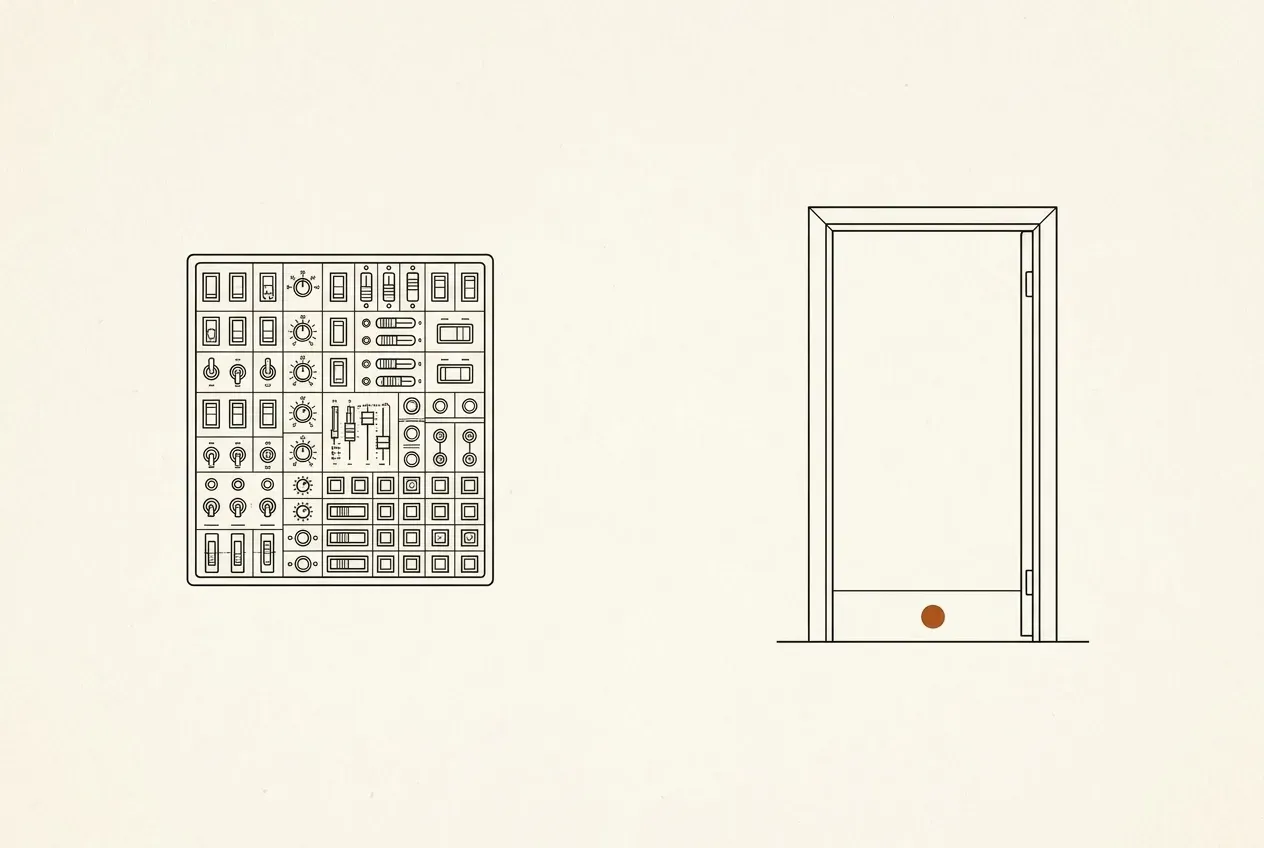
Yes, if your site is mostly pages and posts that change a few times a month. A static site has no database, no login page and no plugins to keep updated. I moved all of mine in 2026, and as of September 6 none of my sites runs WordPress.
That doesn't mean WordPress is bad. It means a site I rarely touched was asking me to keep a whole system patched and secured, and I'd rather spend that attention elsewhere.
| WordPress | Static site | |
|---|---|---|
| Login page to protect | Yes | None |
| Updates to keep up with | WordPress, its plugins and its theme | None to run on the live site |
| Database to back up | Yes | No |
| How you edit | A dashboard | An editor, or a conversation |
| Good fit | Stores, member areas, sites that lean on plugins | Pages, posts, portfolios and brochure sites |
What replaced the dashboard
A conversation and a pipeline. I tell my AI what to change, and drafts go through automatic checks before they reach me. I read what's new, and I schedule it from a queue. The logins I used to open every week mostly went away, which is what I wrote about in Will We Even Need Admin Panels?
If you wonder whether that's reckless, the checks matter more than the conversation. I break them on purpose before I trust them, as in Trust, but Break It on Purpose.
How the move went
Next Day Videos came off WordPress on August 30. The old install stayed on the server for a day as a way back, and I deleted it on August 31. This site followed on September 6, after I backed up the old one and verified the backup. That order matters: keep a way back during the cutover, and only delete once the new site is proven.
The posts kept their original addresses. A page that worked yesterday should still work tomorrow, so anything that moved got a permanent redirect.
On August 23 I considered keeping Next Day Videos on WordPress, then changed my mind. I wanted some live sites to be the canaries first.
Who shouldn't make this move
- Online stores. If your site takes orders through plugins, don't move it on a whim.
- Member areas and anything with logins for your customers. Those need a server doing work.
- A team that edits in the dashboard every day. If several non-technical people publish daily, the dashboard may be earning its keep.
If your site is mostly pages you rarely change, a move may suit you. WordPress's own documentation on updating WordPress shows what a site keeps asking of its owner.
If you're thinking about it
- Back up first, and test the backup.
- Keep the same addresses, and redirect anything that moves.
- Keep a way back until the new site has run for a while.
- Move one site first. The same advice I give in How I Help Friends Ease Into Relying on AI applies here.
- Review whatever your AI builds as thoroughly as your goals and time allow.
FAQ
Will I lose my search rankings?
Not if the addresses stay the same and anything that moves is redirected. I kept my posts at their original addresses.
Do I need to be technical?
Not to decide. An AI can do much of the move, but you should check the backup and the result yourself.
Can I go back to WordPress?
Yes. Keep the old install until the new site has proved itself, and you can.
Let my Claude help your Claude
If you're maintaining a website you rarely touch and wondering whether there's a simpler way, that's a good first topic for a free 30-minute consult.
Researched and drafted with AI, then reviewed and edited by the site's editors.